Small cafes, restaurants and bars that roster casuals across evenings, weekends and public holidays, and whoever checks the pay run afterwards.
How it works
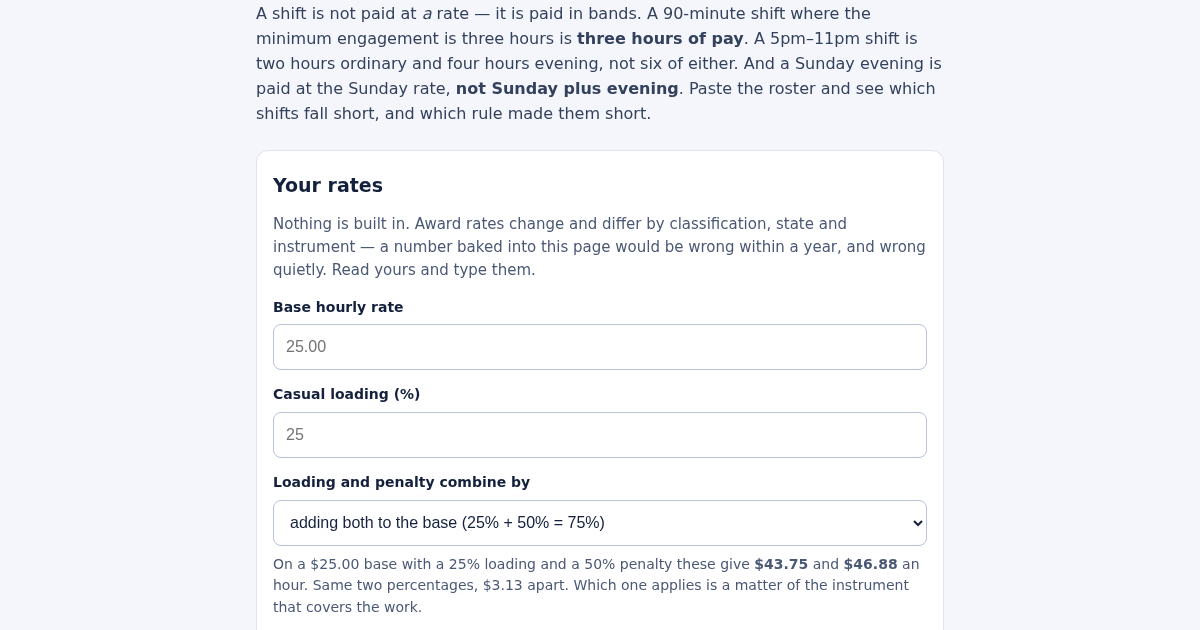
- Enter your base rate, casual loading, and whether the loading and penalty are added together or applied one on the other.
- Enter the penalty percentages you use and the time the evening loading starts; list your public holiday dates.
- Enter the minimum engagement and the ordinary hours per day before overtime.
- Paste one line per shift: date;start;finish;unpaid break;casual or permanent;amount paid.
- Read which shifts fall short, and what a single flat rate would have cost.
What you gain
- Finds every shift that was paid at the wrong rate — split across the wrong pay bands, or paid for hours worked instead of the minimum engagement — and shows exactly how much was underpaid.
Screenshot
Technical details
How to set up & use
- Buy the license — your key (lic_...) appears on the order page and in your email.
- Sign in at app.synoriaai.com with your license key.
- No installation — the product runs in your browser, on your own isolated instance.
- 1. Open the calculator and enter your base hourly rate (e.g., 25.00).
- 2. Set your loading percentage and choose how loadings and penalties combine (additive or stacked).
- 3. Enter the evening start time and its loading, plus Saturday, Sunday, and holiday penalty percentages.
- 4. Set the minimum engagement in minutes (e.g., 180 for 3 hours) and the overtime threshold (e.g., 480 minutes) with its penalty.
- 5. Enter a shift's start and end times; the tool splits it across bands and shows the correct pay, plus what a flat rate would have given.
Frequently asked questions
Does this tool store my shift data or rates?
No. All inputs stay in your browser; nothing is sent to a server, so your pay rates and shift details are not saved or transmitted.
Does it include award rates automatically?
No. You enter all rates—minimum engagement, loadings, penalties, overtime threshold, and combining order—because these vary by year, classification, state, and award.
What does it not calculate?
It only calculates pay for a single shift based on your entered rules. It does not handle leave, deductions, or multiple-shift totals, and it does not apply any specific award automatically.
Related products
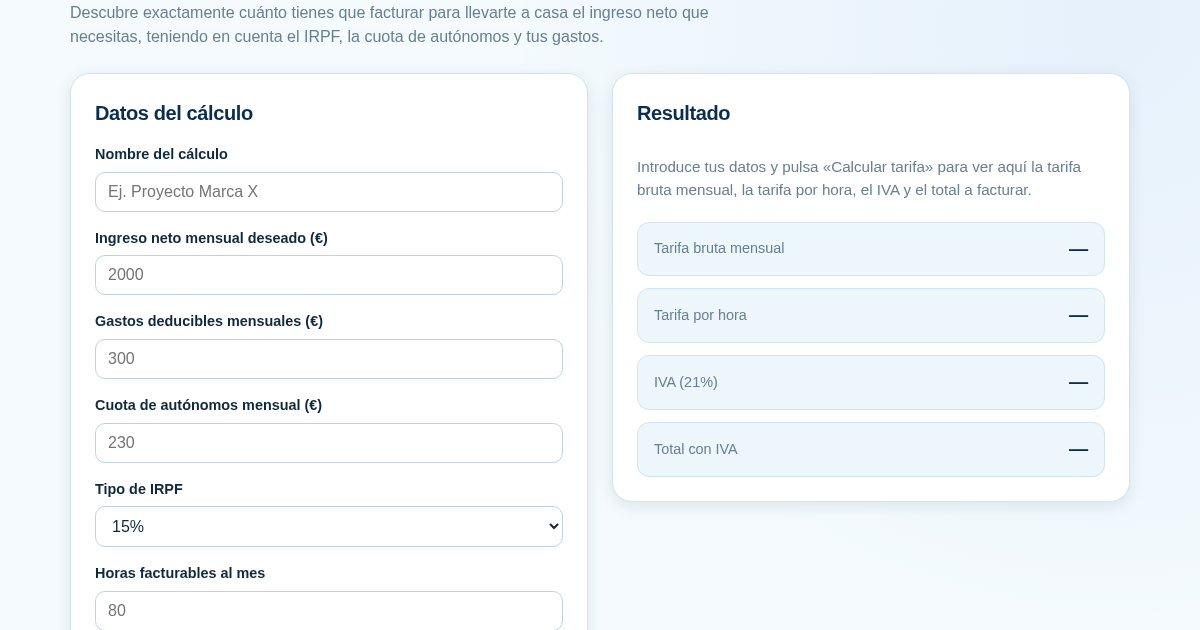
Calculadora de Tarifas para Autónomos
Muchos autónomos fijan sus tarifas sin saber cuánto necesitan facturar realmente para alcanzar el ingreso neto que quieren. Esta calculadora parte del neto mensual deseado y calcula la facturación bruta necesaria…
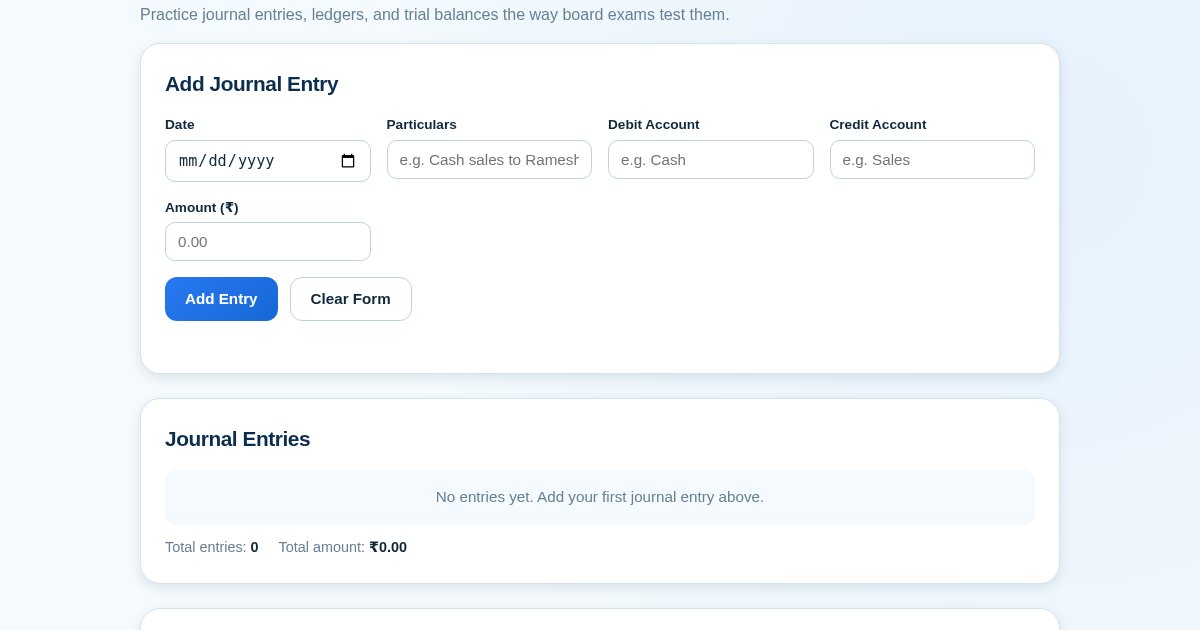
Ledger & Trial Balance Practice Tool
Commerce students in Class 10-12 need to practice journal entries and see how they flow into ledgers, trial balances, and balance sheets for board exams. This tool lets them enter transactions and instantly see the…
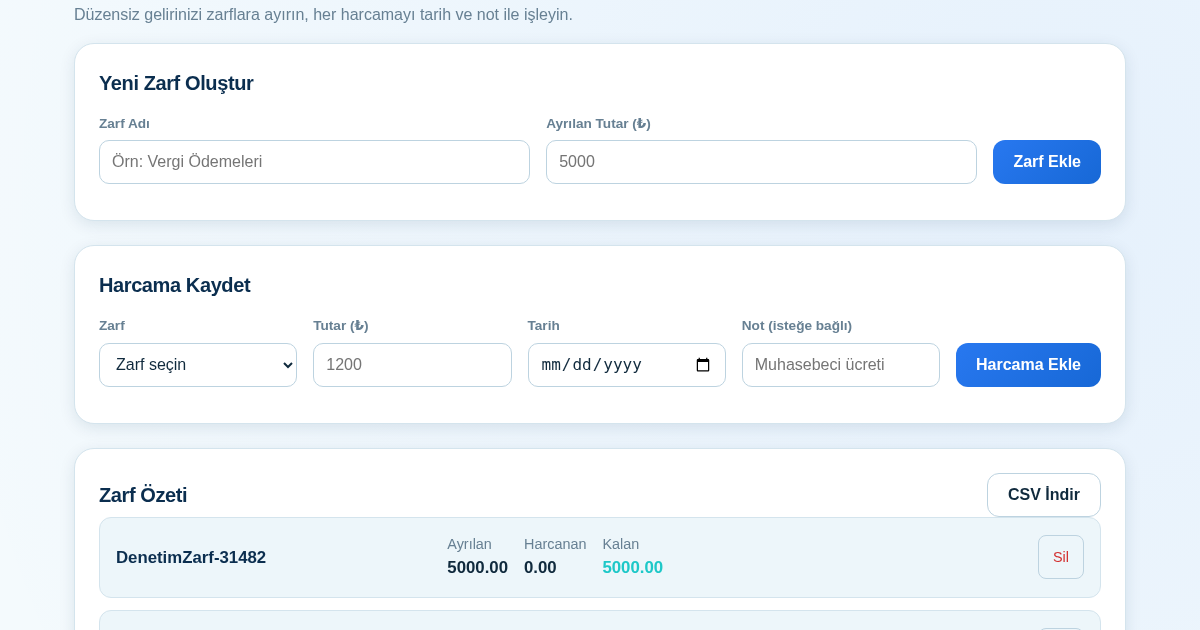
KASA - Serbest Çalışanlar İçin Zarf Bütçesi
Serbest çalışanlar düzensiz gelirlerini vergi, kira ve yaşam giderleri gibi zarflara bölerek bütçelerini düzenli tutabilir. Her harcamayı tarih ve not ile ilgili zarfa işleyerek ne kadar ayırdığını ve ne kadar…
Calculadora de Orçamento por Envelopes (Pix)
Este aplicativo ajuda brasileiros a organizar seu dinheiro em envelopes de orçamento, como alimentação, transporte e lazer, sem precisar conectar uma conta bancária. Ele resolve o problema de controlar gastos do dia a…